Concept storefront · Stripe sandbox only · No real charges
Product concept gallery
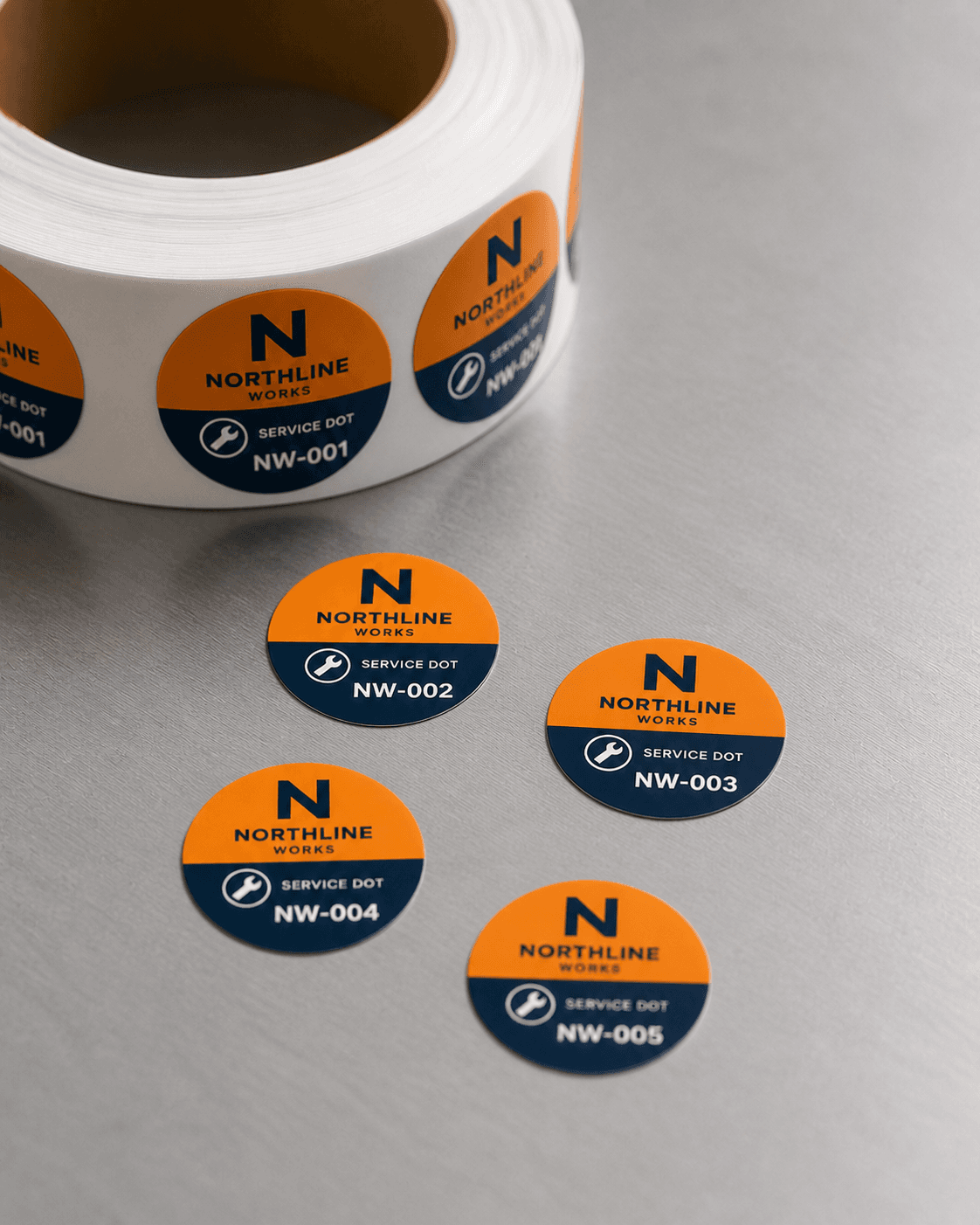
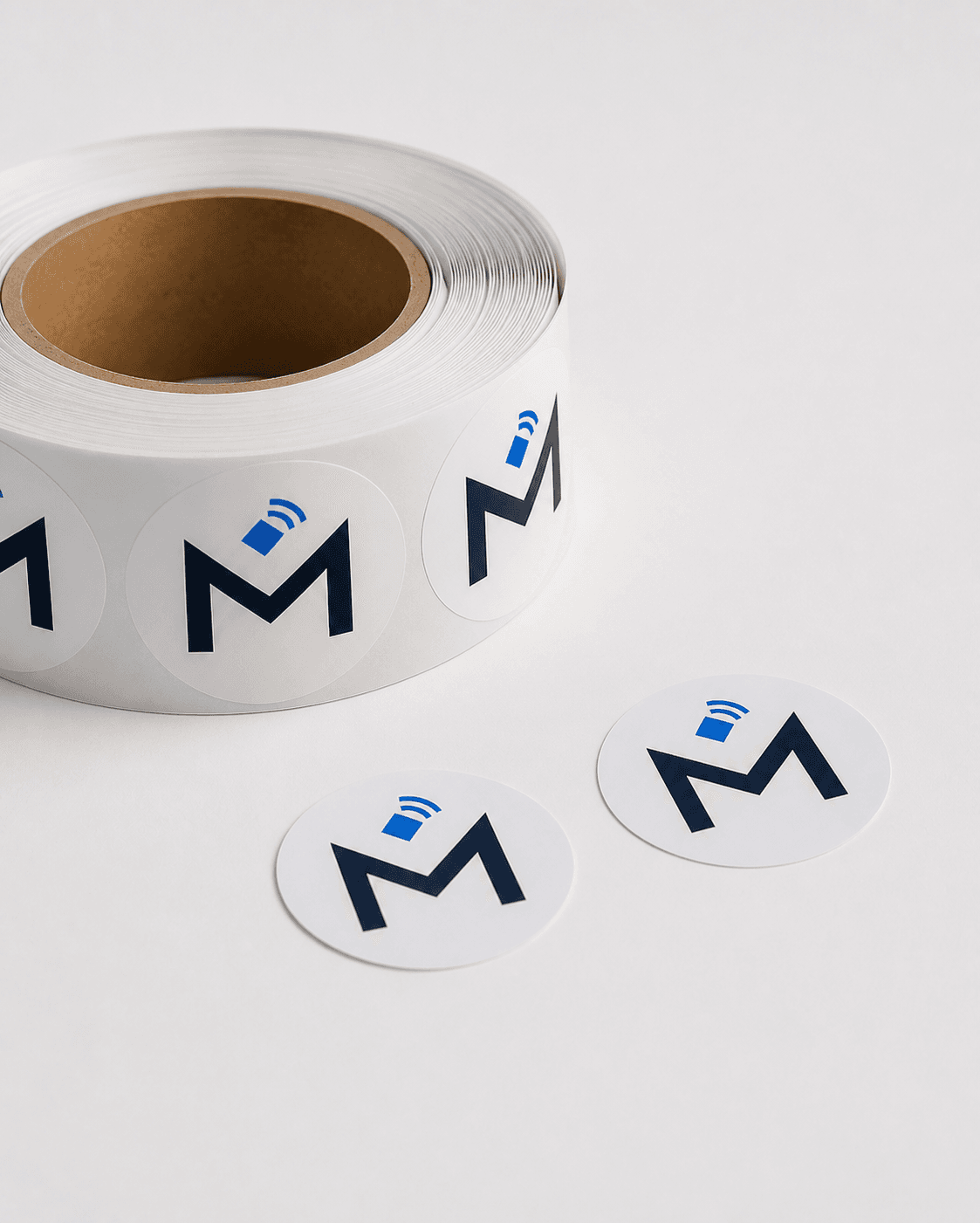
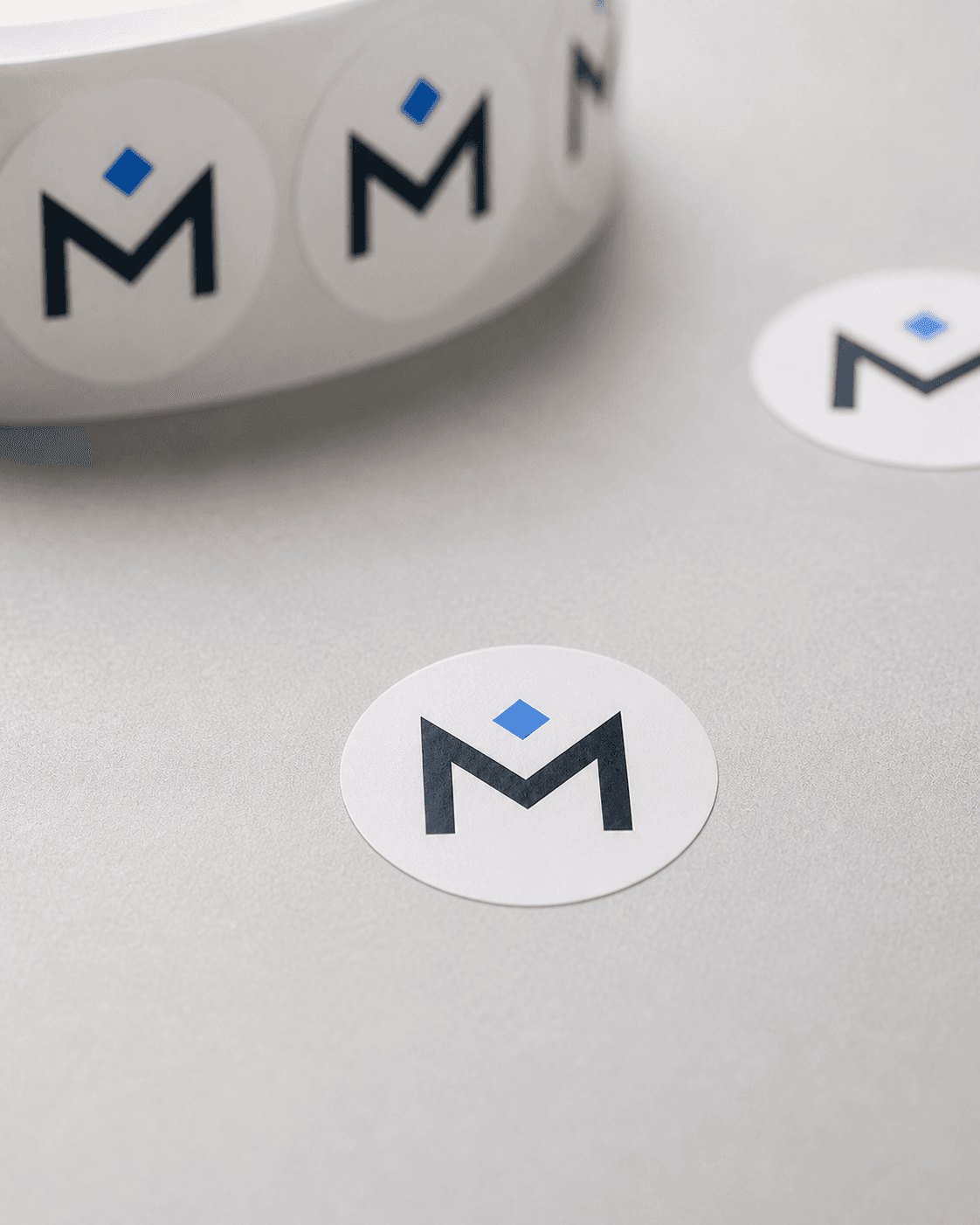
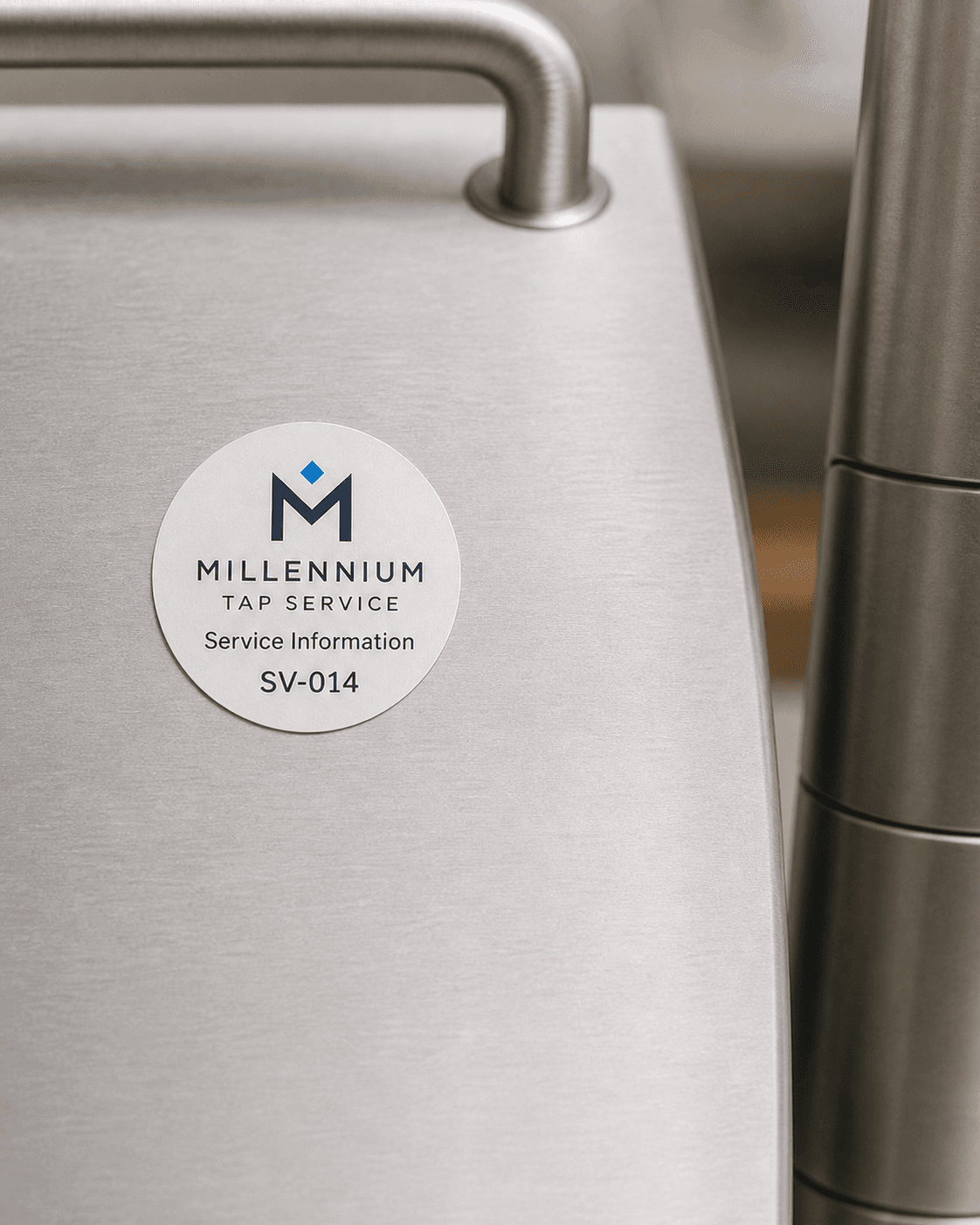
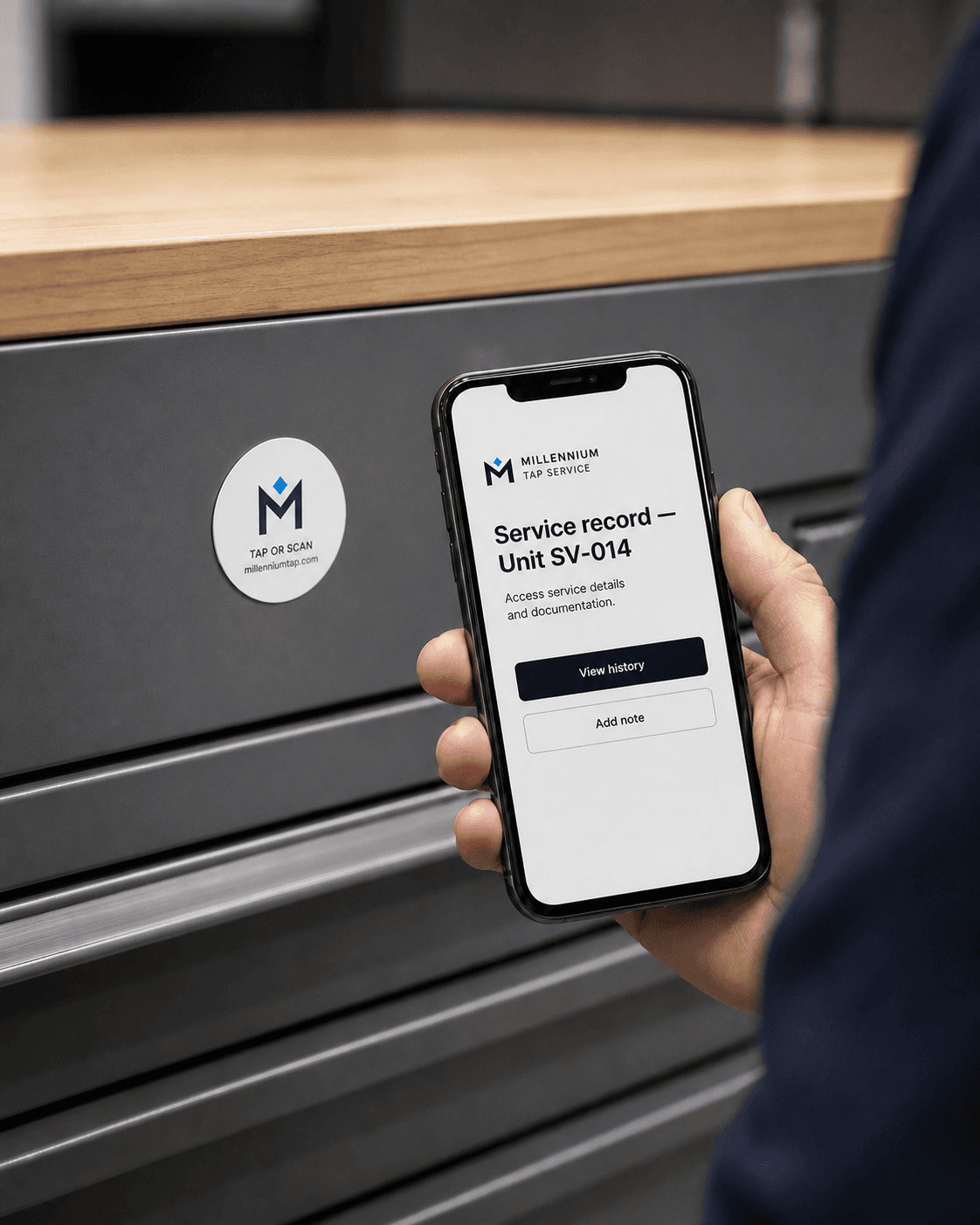
Dot · Made for tag your equipment
Service Dot
Keep the equipment’s service story attached to the equipment.
- Free custom artwork
- QR fallback on every approved design
- Classic White, Midnight, or Brand Match
Introductory price direction$39.99 25-pack introductory direction
Tap + QRTwo simple ways to open itNo appUses the customer’s phone
Preview status · Stripe sandbox checkout available
Test checkout onlyNo real charge, inventory allocation, production order, or shipment is created.
Compare available conceptsPricing, media, landed cost, margins, and production readiness must be verified first.
Built for a real moment
Keep the equipment’s service story attached to the equipment.
Auto repair, HVAC, plumbing, irrigation, and field-service teams.
Three simple steps
From physical product to useful action.
- 1Apply a dot after surface testing
- 2The technician taps or scans
- 3The equipment or service path opens
Best moments to use it
- Record mileage or prior work
- Open the next service checklist
- Reconnect with a returning customer
What happens
A phone tap or QR scan opens the configured destination. The product does not store customer or payment data.
A printed QR code provides a second path when tapping is unavailable.
Make it yours
Candidate use: Standard surface, On-metal testing candidate
What is included
- Service Dot
- QR fallback
- Artwork setup and proof
Start simple. Add more control only when you need it.
No dashboard subscription is required for the basic configured destination. An optional paid dashboard may add analytics, destination changes, and multi-location management.
What is not confirmed
- Concept images are temporary and may differ from production.
- No material, range, durability, weather, delivery, inventory, or production-readiness claim has been verified.